

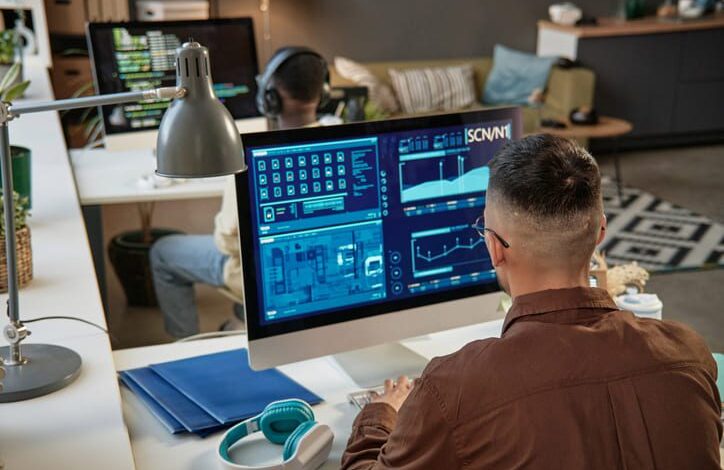
Today, in an era of everything being digital, security and productivity are the pillars of any company. Controlio is a sophisticated cloud-based staff monitoring technology that tracks work activities within the company and helps avoid data breaches. A 2026 rating from G2 Editor’s Choice shows the best tools for managing attendance that also protect privacy and ensure compliance with laws like GDPR. Because the Controlio technology streamlines data security and productivity, there is minimal to no loss of employee trust. This is a detailed tutorial on how to use Controlio in your company.
How Can Controlio Be Used for Employee Monitoring?
Determine the Monitoring Goals
It is essential to establish what you wish to achieve before you start setting up Controlio. What are your aims? Are you looking to combat internal risks, increase productivity, and/or improve security? These objectives will aid in striking a balance in workplace surveillance.
Inform Workers
It is very important to ensure that the employees understand the need for the monitoring software. The employees should be made to understand the nature of the data that is going to be monitored. They should also understand the need for monitoring the data. Employees should be provided with a clear understanding of how this method can help in security instead of micromanaging. Make sure you are tracking staff in an ethical manner. To find out more about employee monitoring technologies, see the editor’s selection.
Workstation Configuration for Controlio
Controlio offers advantages including cost savings, scalability, and enhanced collaboration when moving data and apps to the cloud. The Controlio configuration stages to guarantee business process optimization are as follows: Create an account on the Controlio website. On the PCs that you wish to monitor, download and install the Controlio agent. The settings should be made in accordance with the firm’s monitoring policies. Setting tracking with Controlio makes it simple to monitor real-time activities.
Using the Controlio to Set Preferences
With Controlio, you may tailor the configuration of monitoring to your company’s requirements. This involves monitoring:
Internet and application usage: Examine the websites or programs that staff members utilize.
Keystroker: Record typing activities to identify potential risks.
Screen captures: Take still photos to see if corporate rules are being adhered to. Keep track of important files when transferring files and using USB devices.
You can change these options to comply with legal obligations for ethical monitoring and privacy. Source
Including Reports and Alerts
You can use Controlio to flag indications that notify you of unusual activity, such self-logout or unauthorized file removals. Building a picture of employee behavior and security anomalies can be facilitated by using automated reports. Managers can examine productivity scores without interfering with employees’ work thanks to scheduled reports.
Modify and Enhance
Controlio’s data should always be reviewed in order to make adjustments to your monitoring system. Look for process issues and inefficiencies that may require more personnel training.
Controlio is a useful tool for businesses that are trying to improve security and productivity. Businesses can take advantage of its potent characteristics while preserving openness and employee trust by adhering to a methodical adoption procedure. Controlio can contribute to the development of a more effective, safe, and compliant workplace with the appropriate strategy.